
Dropped Schools Contact Info Report
This report helps tournament admins identify schools that registered for a tournament but later withdrew all of their entries — and gives you contact info for those schools' coaches so you can follow up (e.g., confirm the withdrawal, ask about a refund, or invite them to a future tournament).
A school shows up on this report when every competitor and judge entry it once had for the tournament has since been removed or deactivated. If a school still has even one active competitor entry or one active judge, it won't appear here.
Where to find it
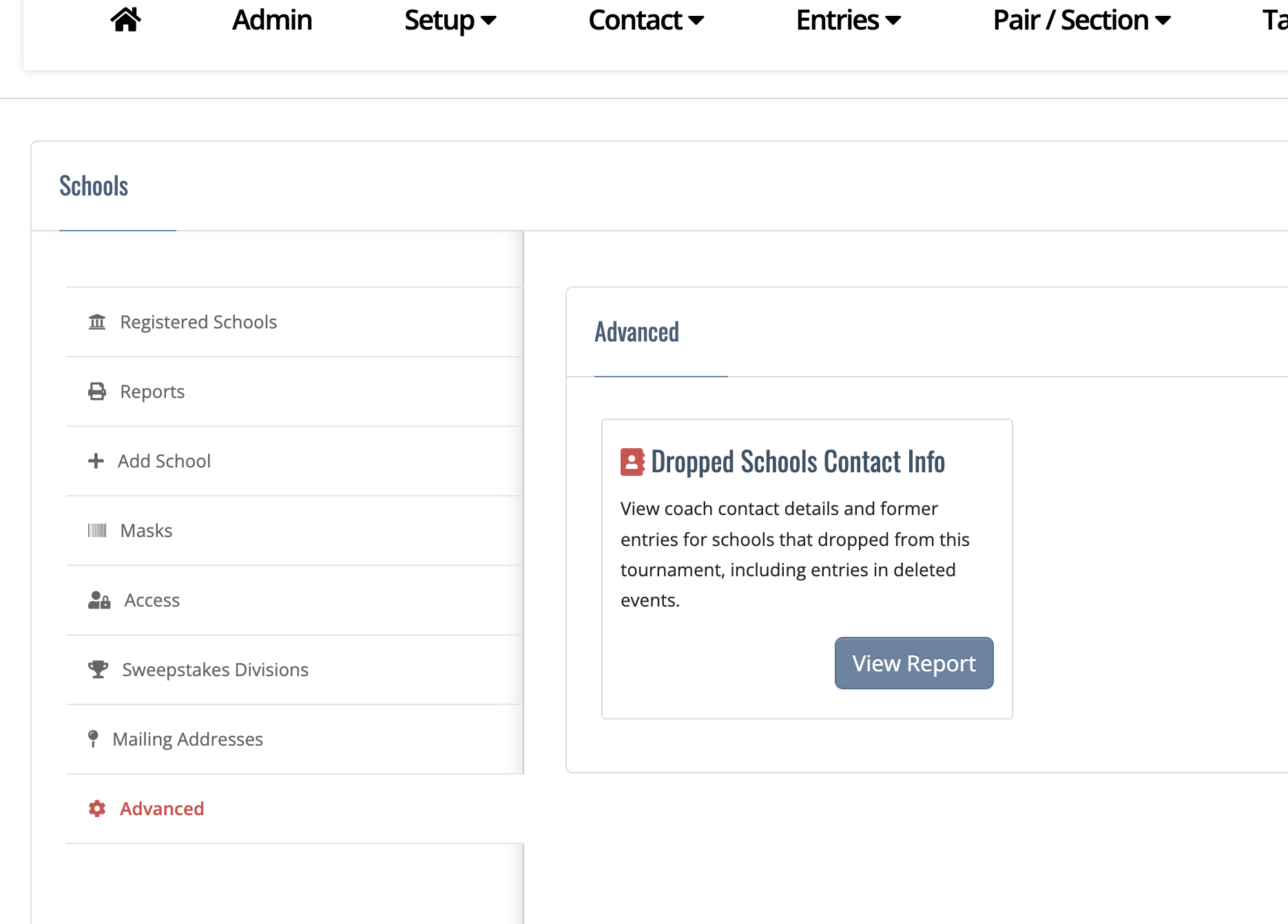
- Go to Entries->Schools->Advanced->Dropped Schools Contact Info
- Click View Report.
What's in the report
The report includes the school information, coach contact information, and a list of of former competitor & judge entries.
Schools are listed alphabetically. If a school has no coach contact info, no former competitor entries, or no former judge entries, that cell will say so (e.g., “No coach contact information available.”).