
Change Log & Audit Log
FTN has two different logs, and it's easy to check the wrong one.
1) Admin->Entries->Change Log
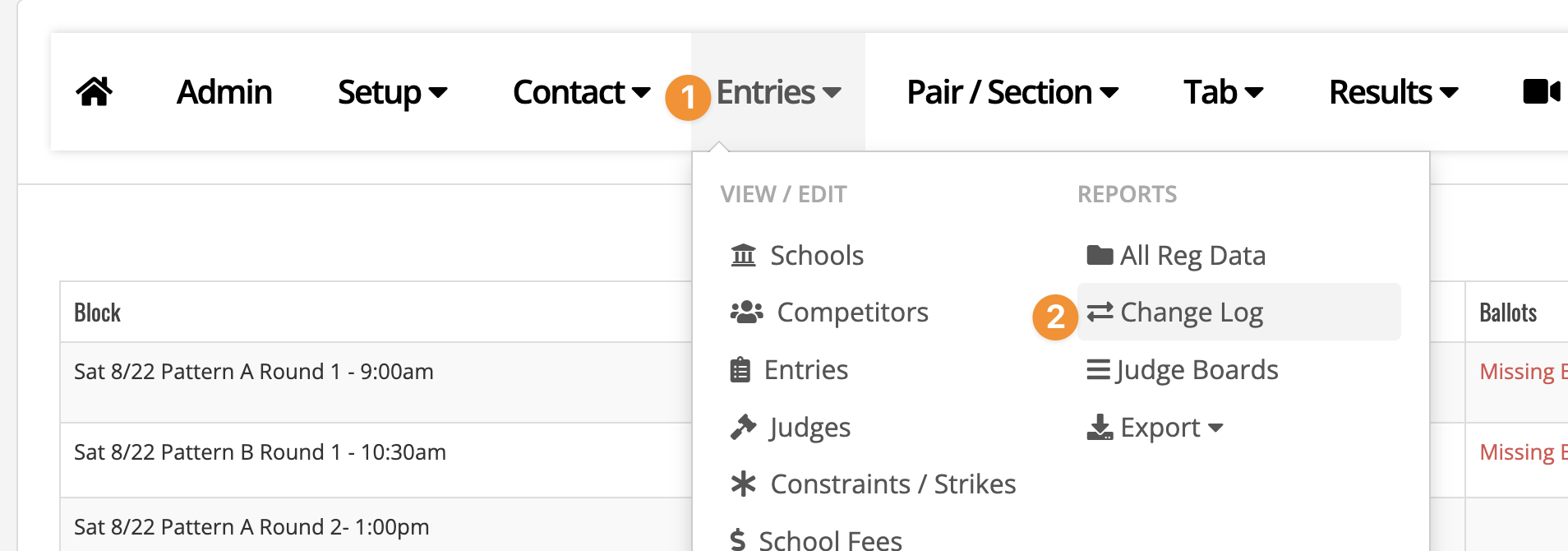
This is a running feed of entry- and registration-level changes: new entries, drops, event or partner changes, admin edits to an entry, and late-add or late-drop approvals. Changes made by your own team are prefixed “ADMIN:”; everything else is a change a coach made themselves — both show up in the same list.
This log can be helpful to double check coach registrations and when a coach registered or dropped an entry from the registration system.
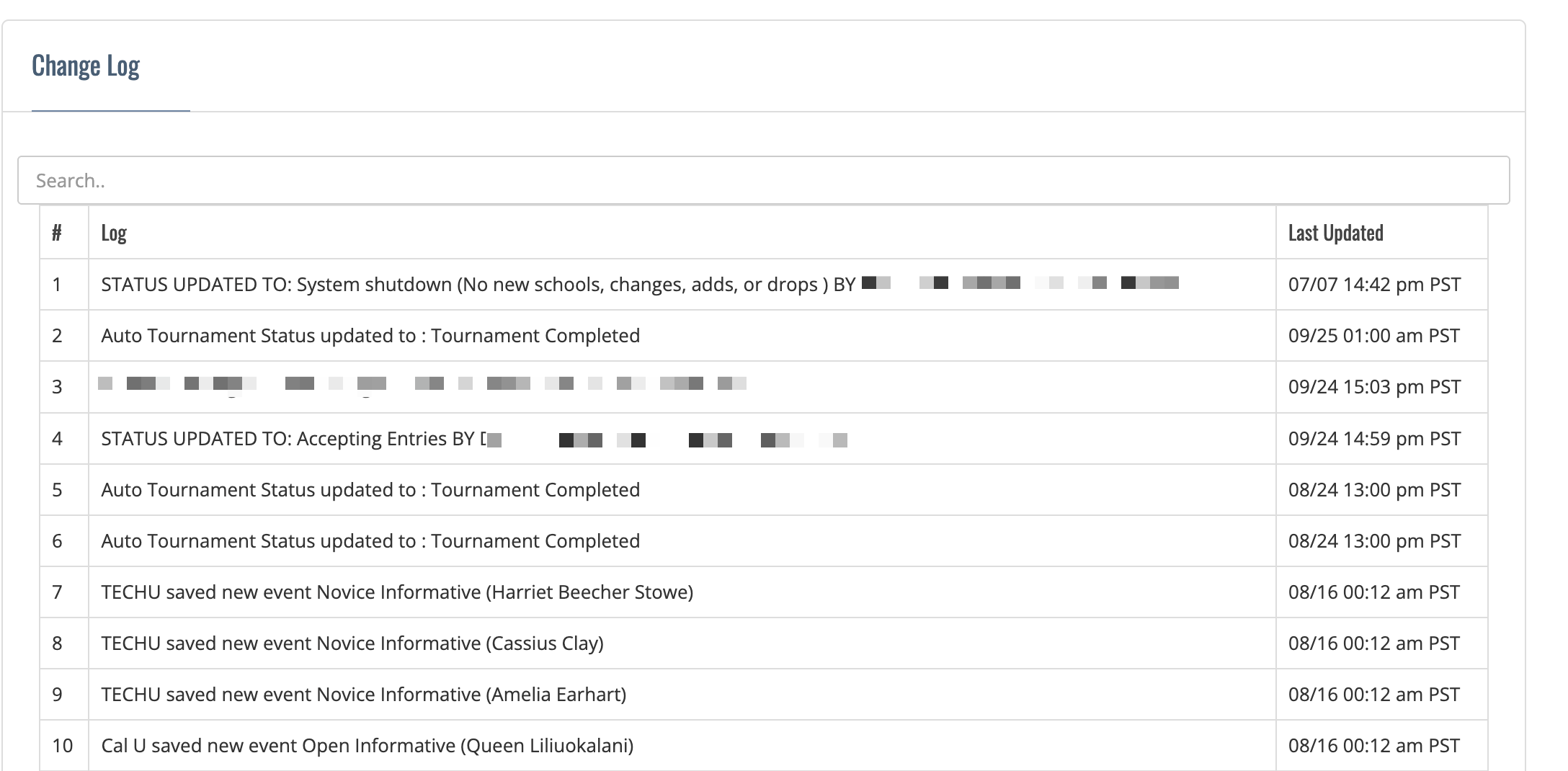
You can also filter rows by typing into the 'search' box at the top of the table.
2) Admin->Pair/Section->Audit Log
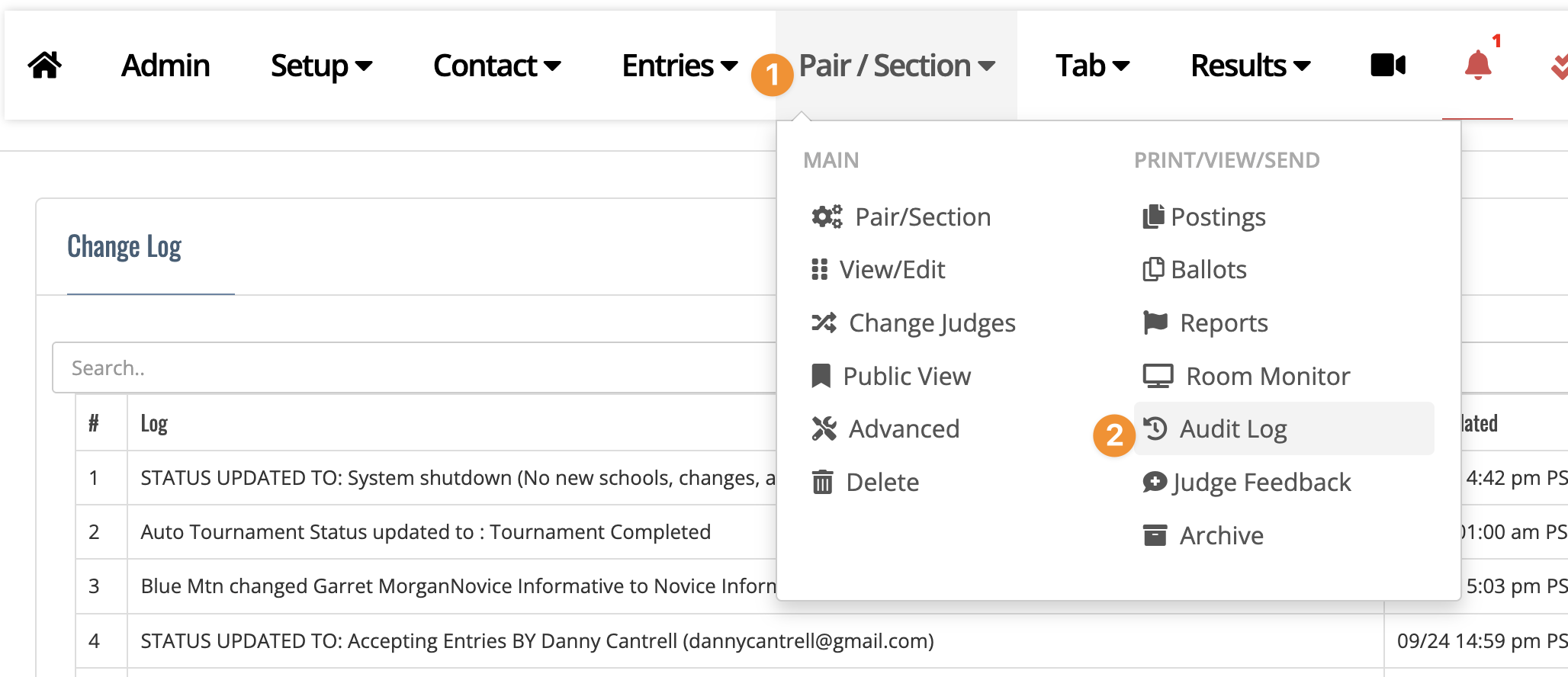
If you're trying to track something outside of entries and registration — postings being made public, sweepstakes adjustments, contact emails sent, fee or room changes — that's the tournament-wide Audit Log. Change Log is scoped specifically to entries; Audit Log covers everything else.
The audit log can be helpful to double check that a tournament step has been completed (such as sending out postings).
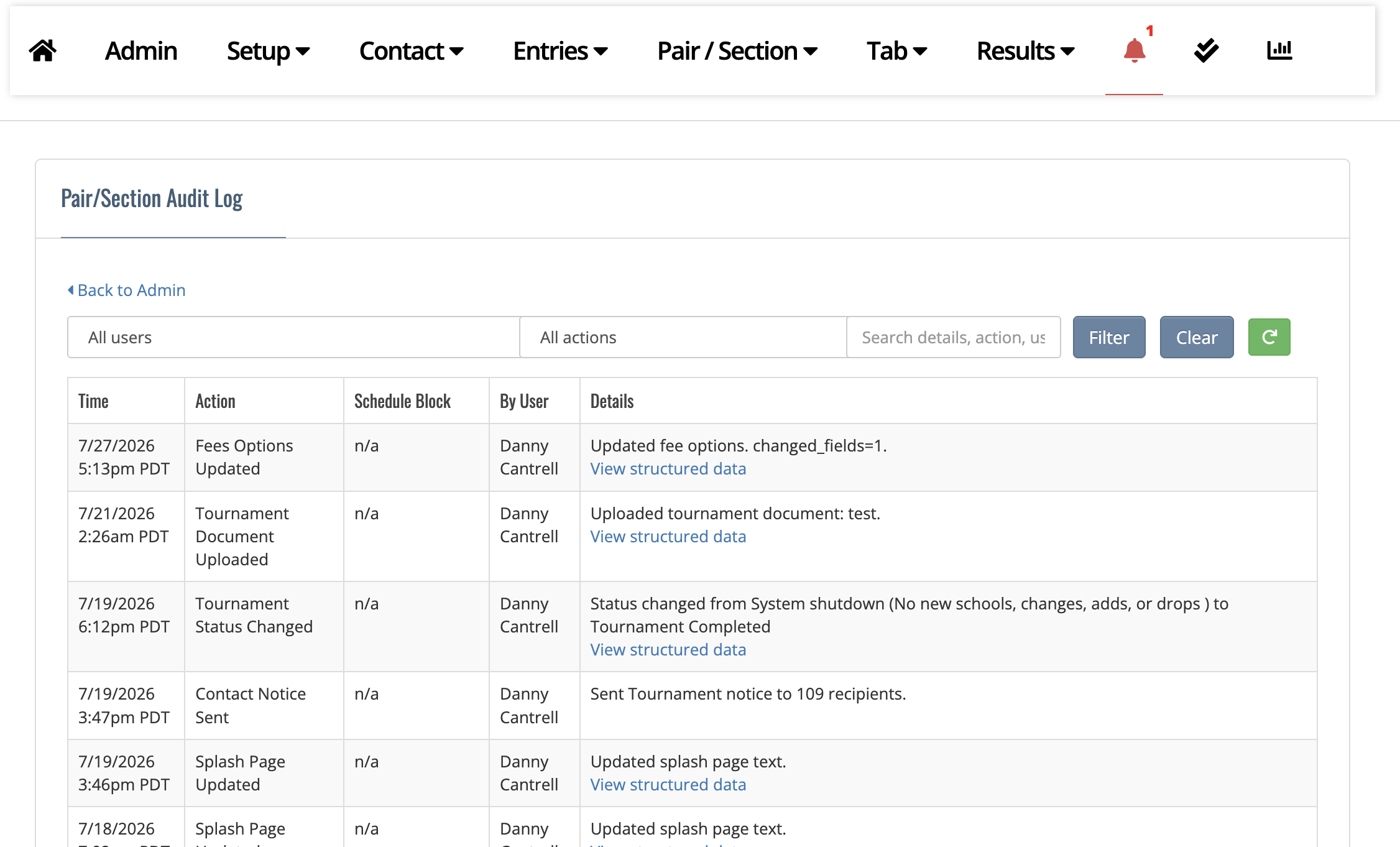
You can also filter the audit log by users, type of actions, or do a free search. Make sure to click the 'Filter' button after selecting what you would like to filter.

The 'Clear' button resets any filters and the green refresh icon can update the current table with new data.