Changing Judges Mid-Round
Judge no-shows and last-minute swaps happen at every tournament — here's how to fix one without disrupting the round.
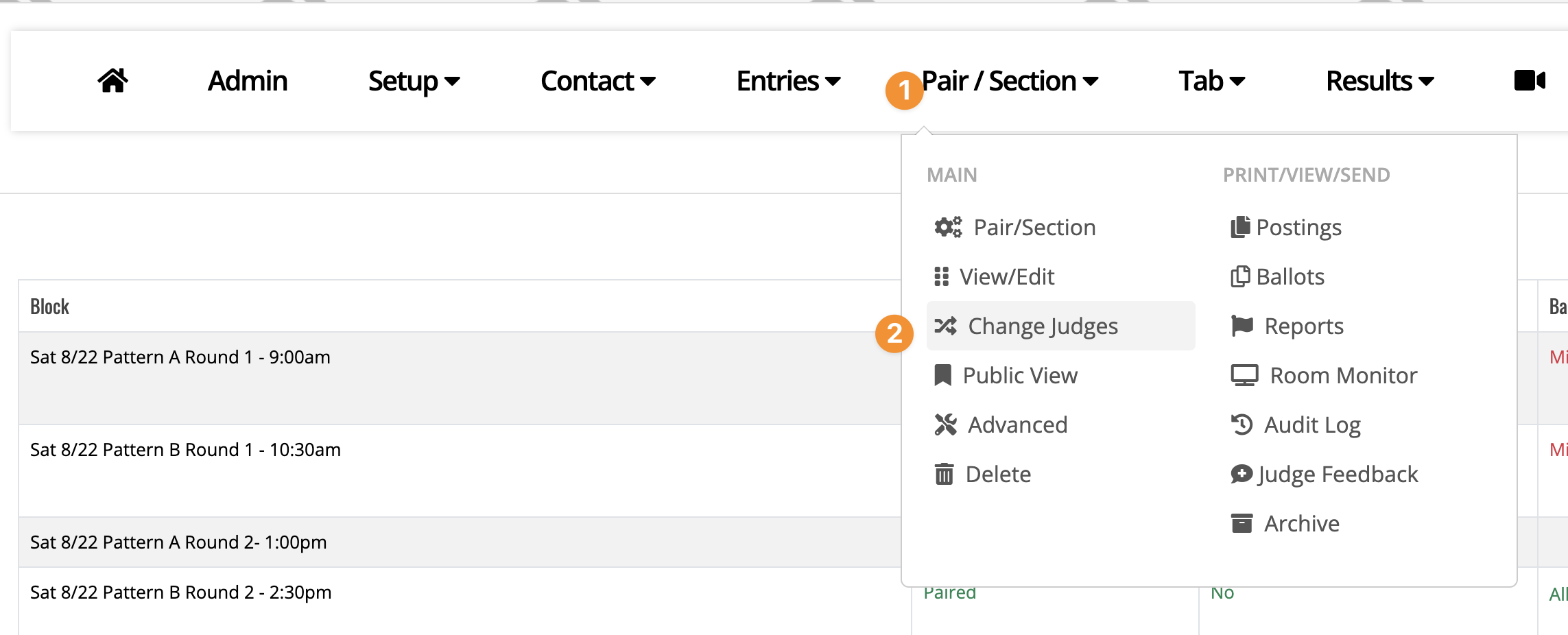
1) Admin->Pair/Section->Change Judges
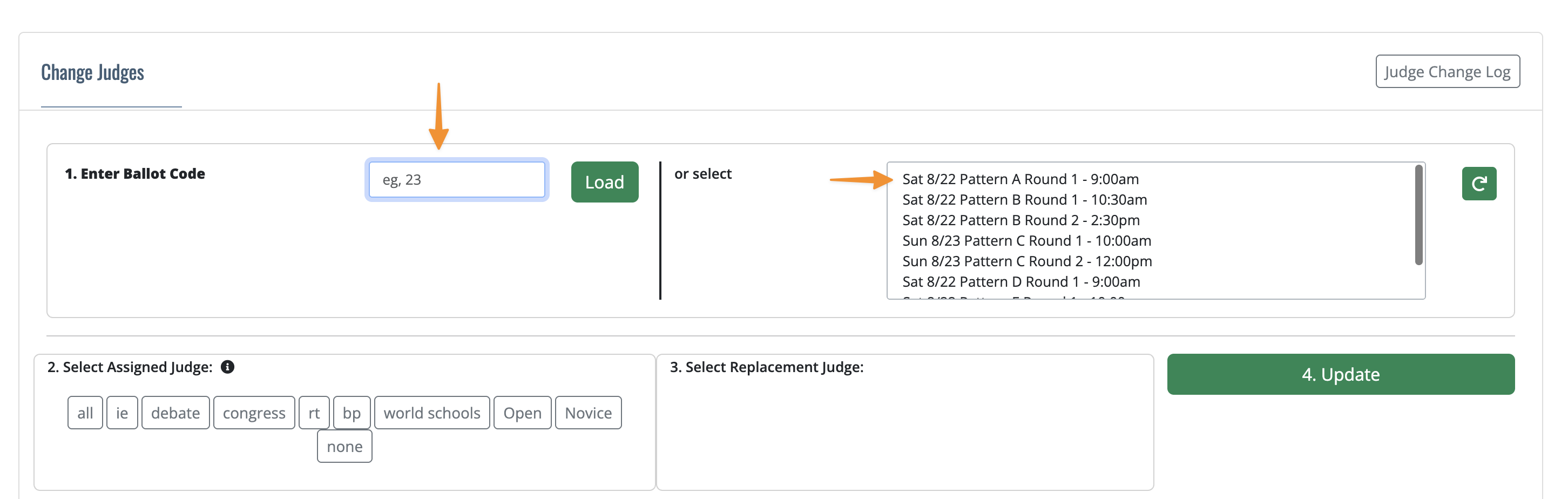
Either type in a ballot code and click Load, or select a whole schedule block to see every judge assignment in it at once.
2) Pick the judge you're replacing
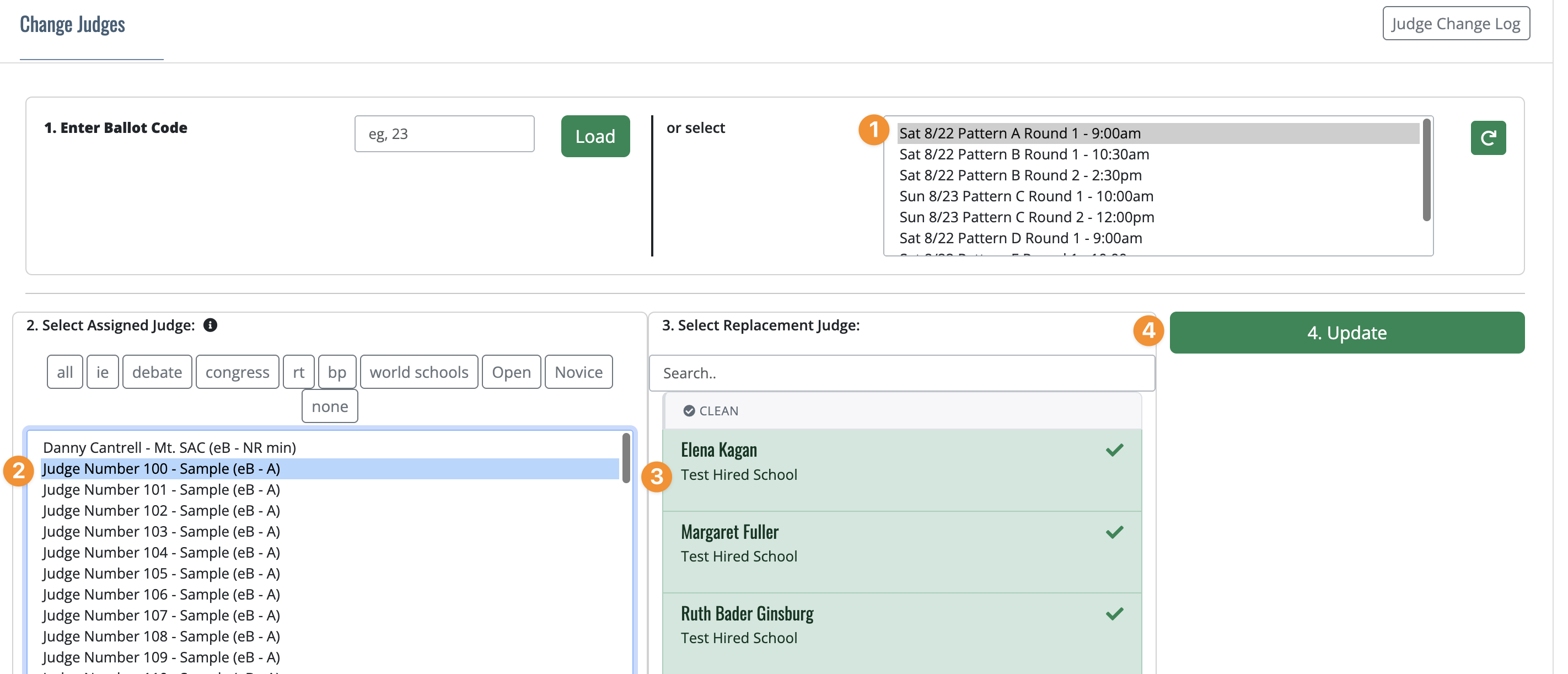
Every judge currently assigned shows their name, school, event, and section — plus their eBallot status if they have one (sent, accepted, how long ago).
3) Pick a replacement
FTN suggests replacement judges ranked best-to-worst, flagging things like a same-school conflict, an existing strike against that judge from a competing school, or the judge already being assigned elsewhere this block. These flags are advisory, not hard blocks — you can still knowingly pick a flagged judge if you need to.
4) Update
If the old judge had already recorded a result, it carries over to the new judge untouched. If not, the old judge is notified their ballot was pulled, and a new eBallot is generated and queued for the new judge (or, if that judge takes paper ballots, you'll get a reminder to print one for them).
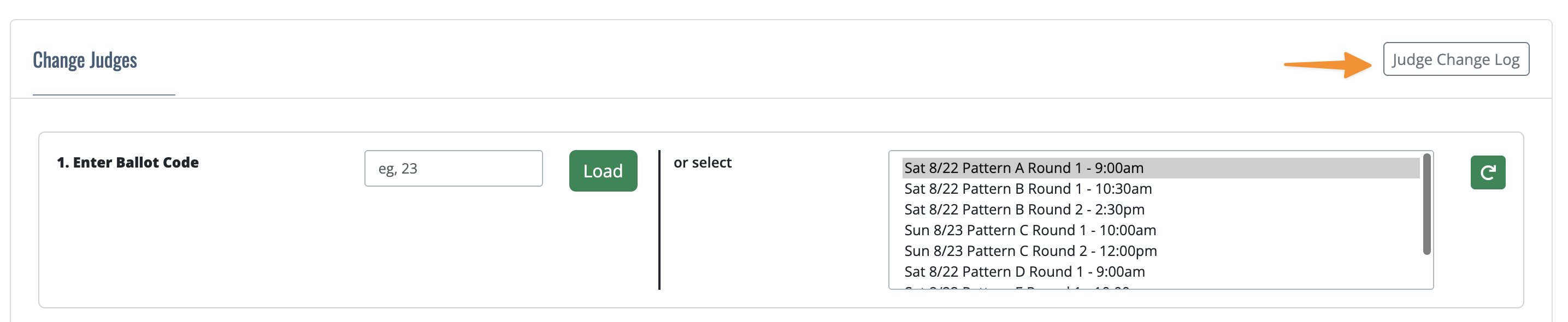
One thing to know: judge swaps show up in this page's own “Judge Change Log,” not in the tournament-wide Audit Log — check there if you need a history of who was swapped in and out.